Restrooms 
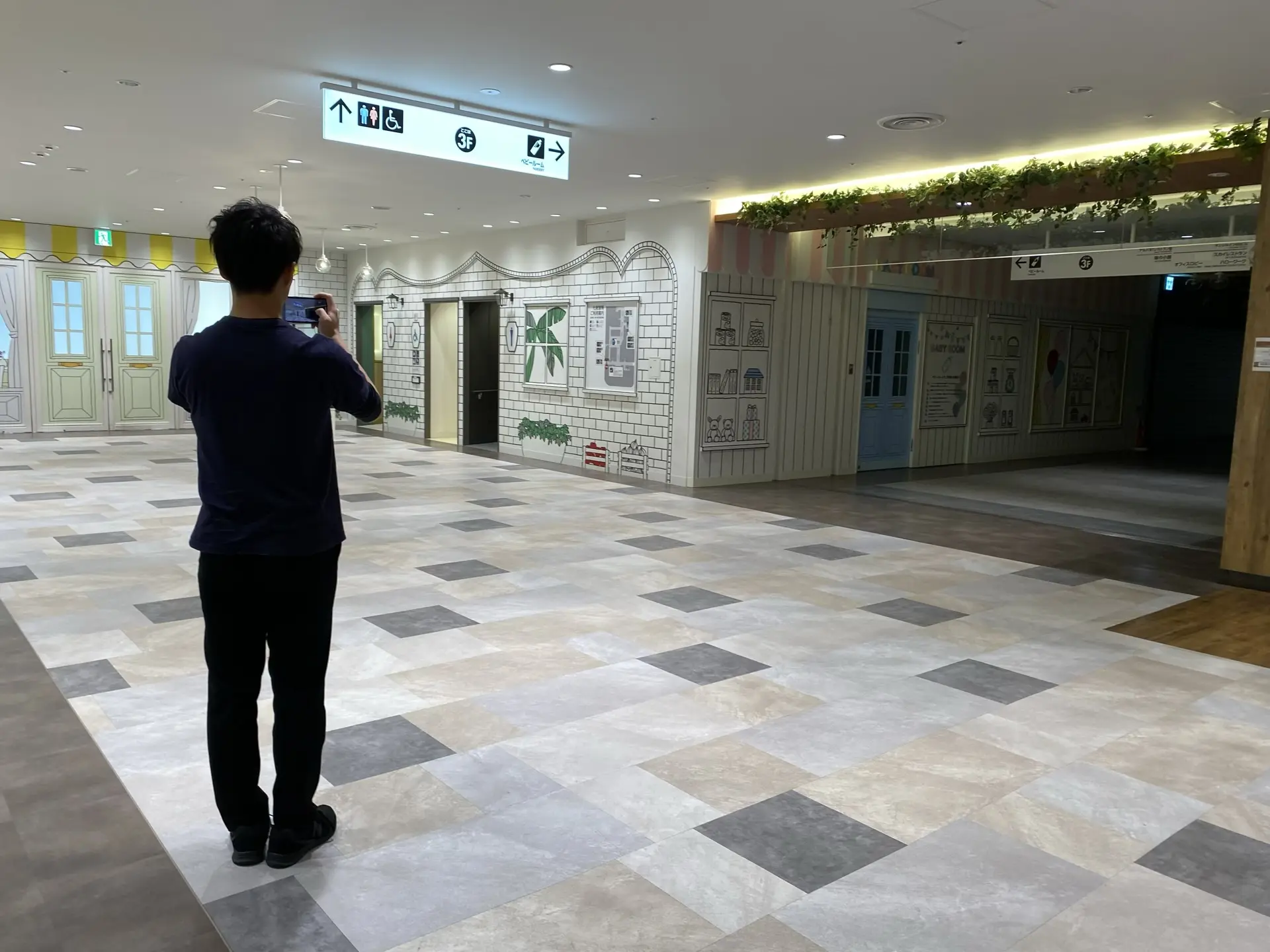
1. Guidance Display
Take a picture of the guide sign so you know where the restroom is located.
- 📷 Photographer
- 🖼️ Photo
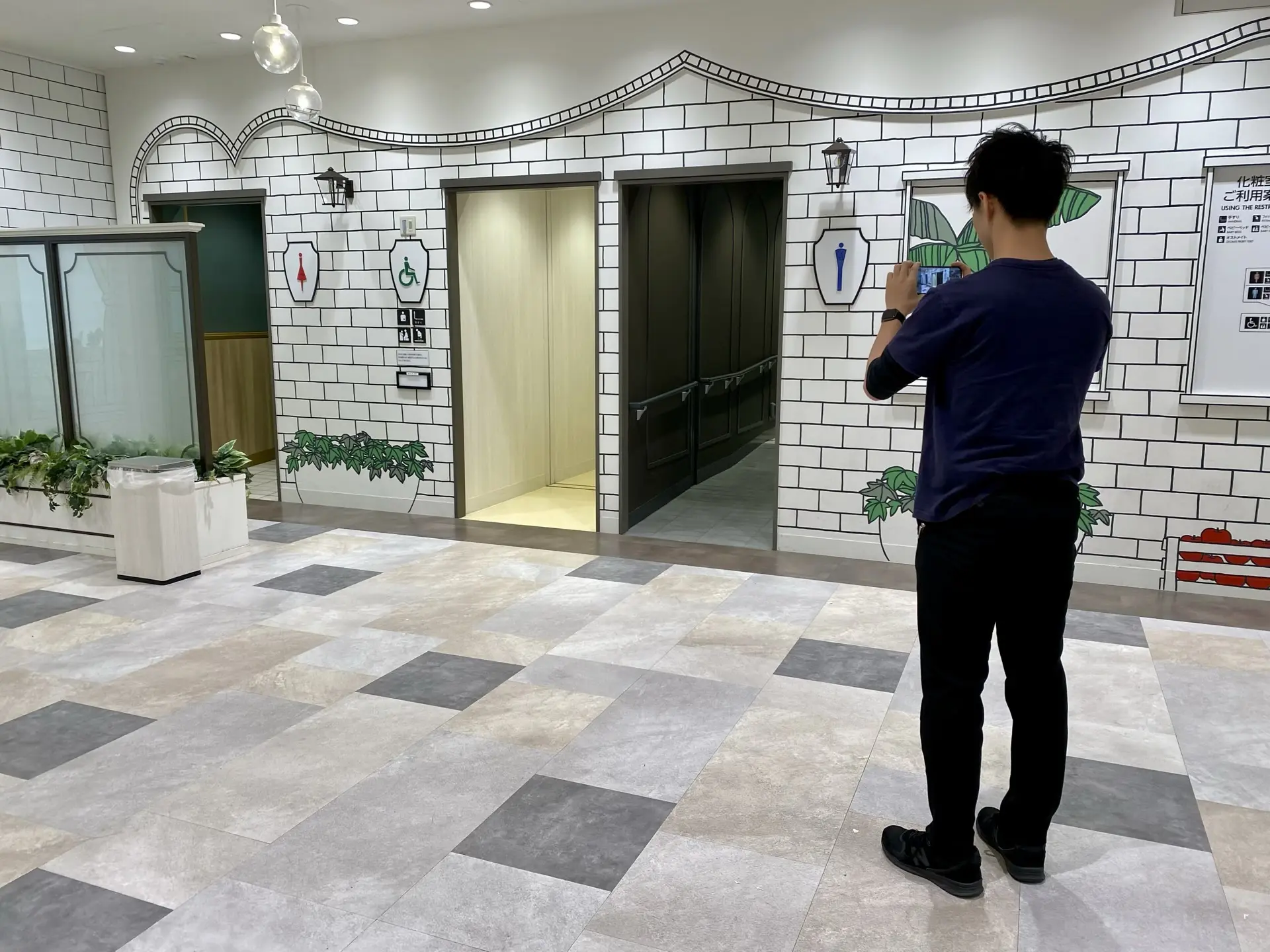
2. Exterior
Take a picture of the outside of the restroom so you can see the wheelchair symbol.
- 📷 Photographer
- 🖼️ Photo
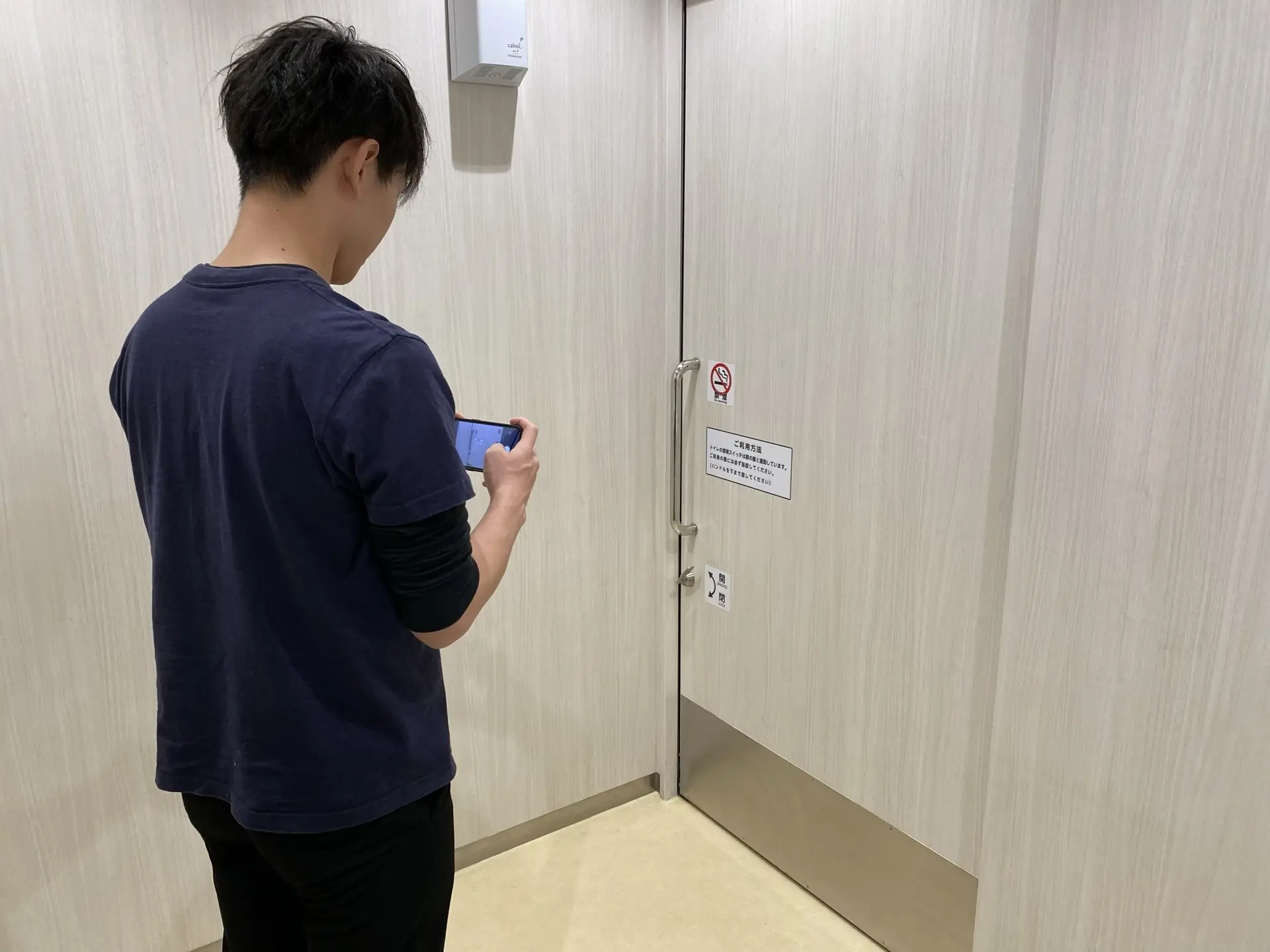
3. Entrance Door
Take a picture of the door handle.
- 📷 Photographer
- 🖼️ Photo
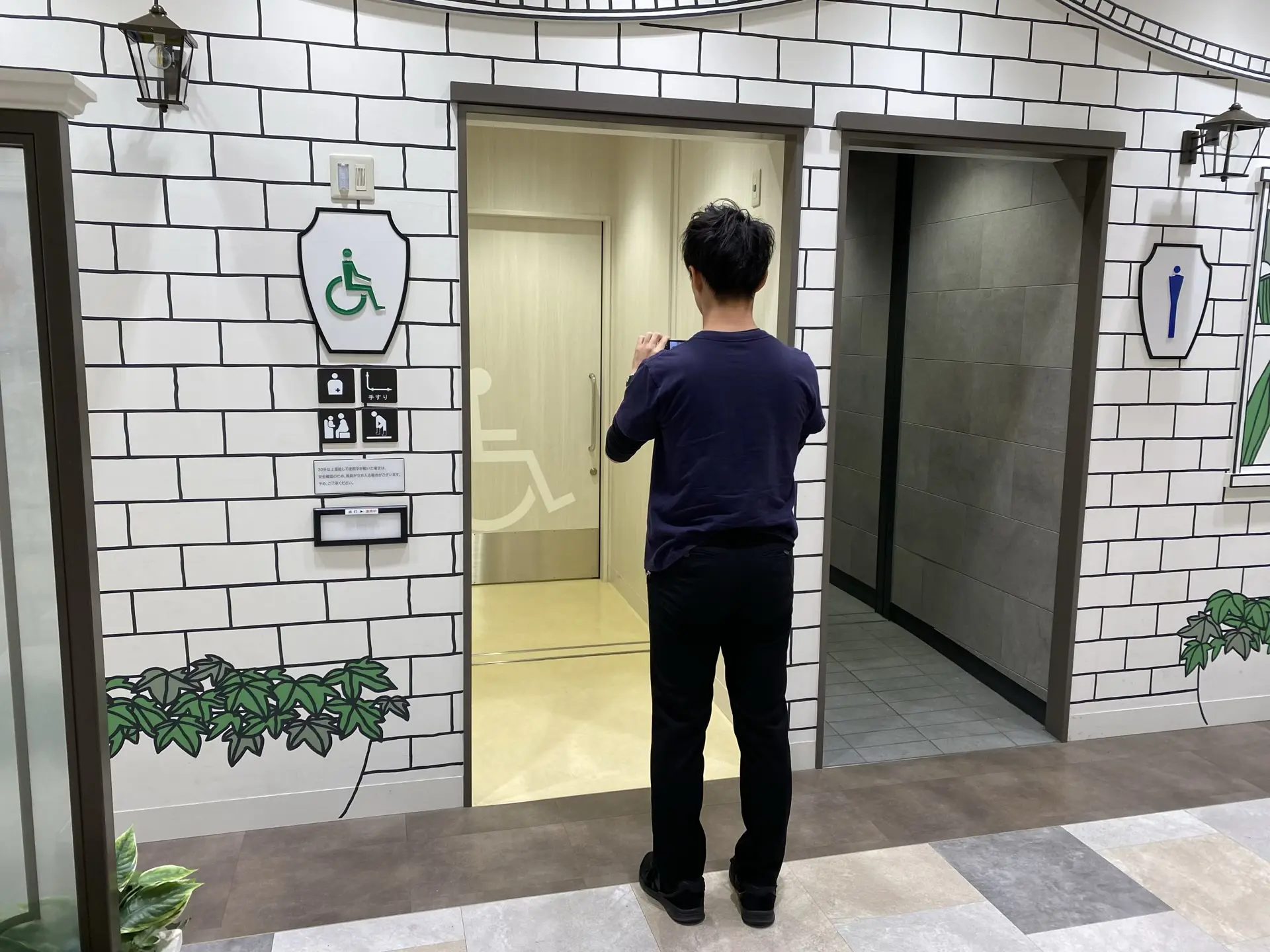
4. Interior of the Restroom
Stand at the entrance to see the equipment and overall size.
- 📷 Photographer
- 🖼️ Photo
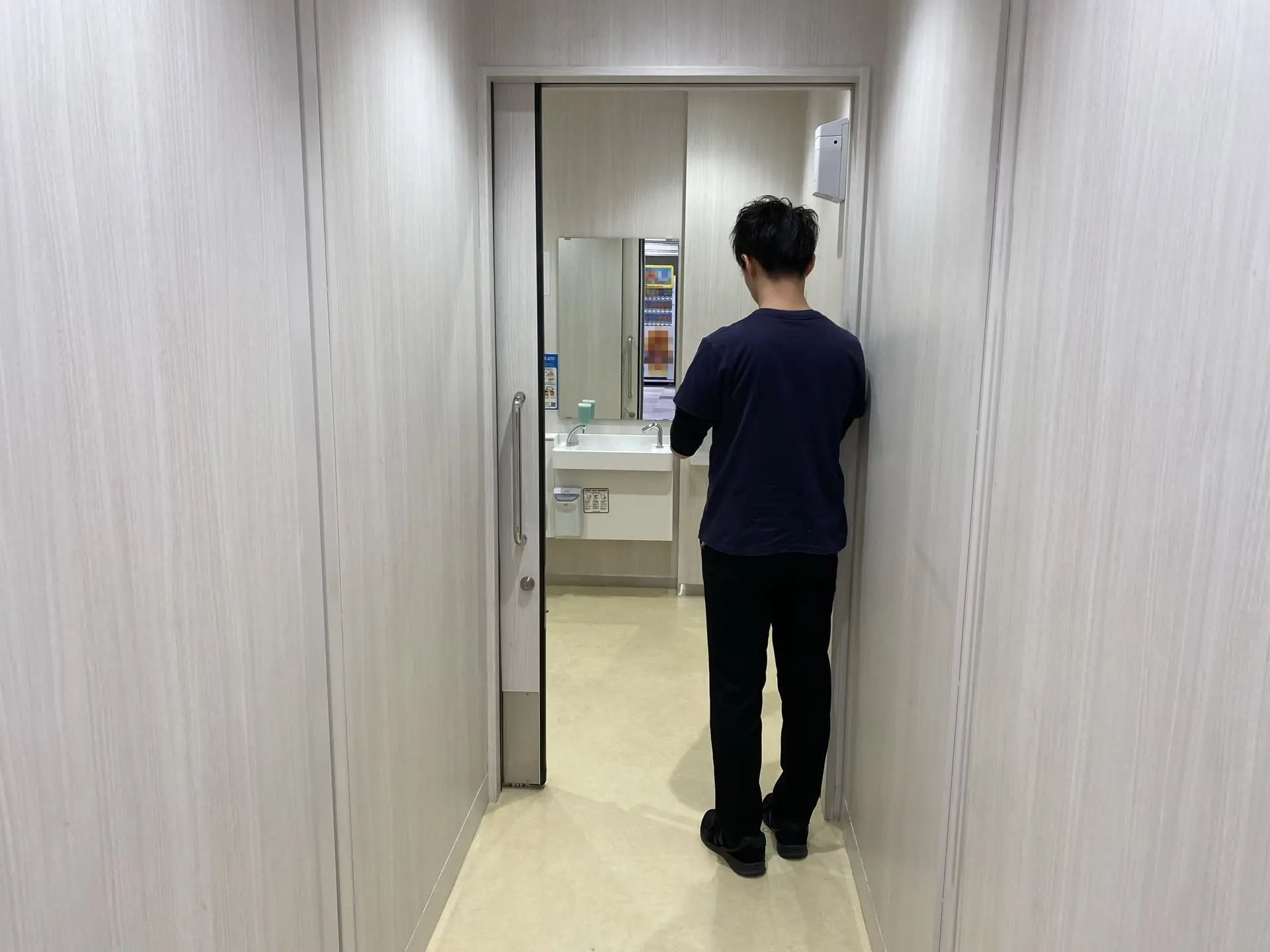
tip
If you shoot with an ultra-wide angle, you can take a wide picture of the inside.
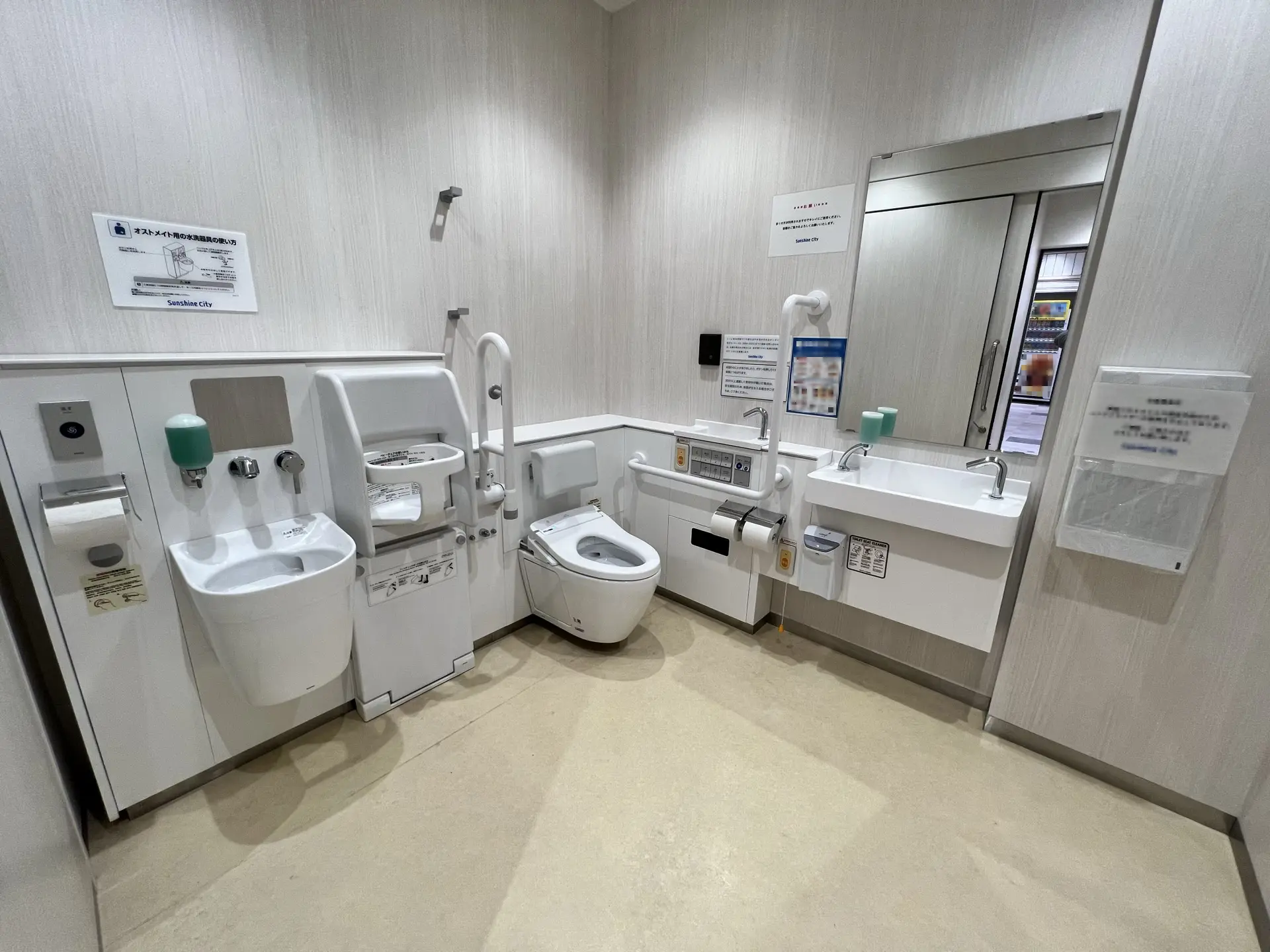
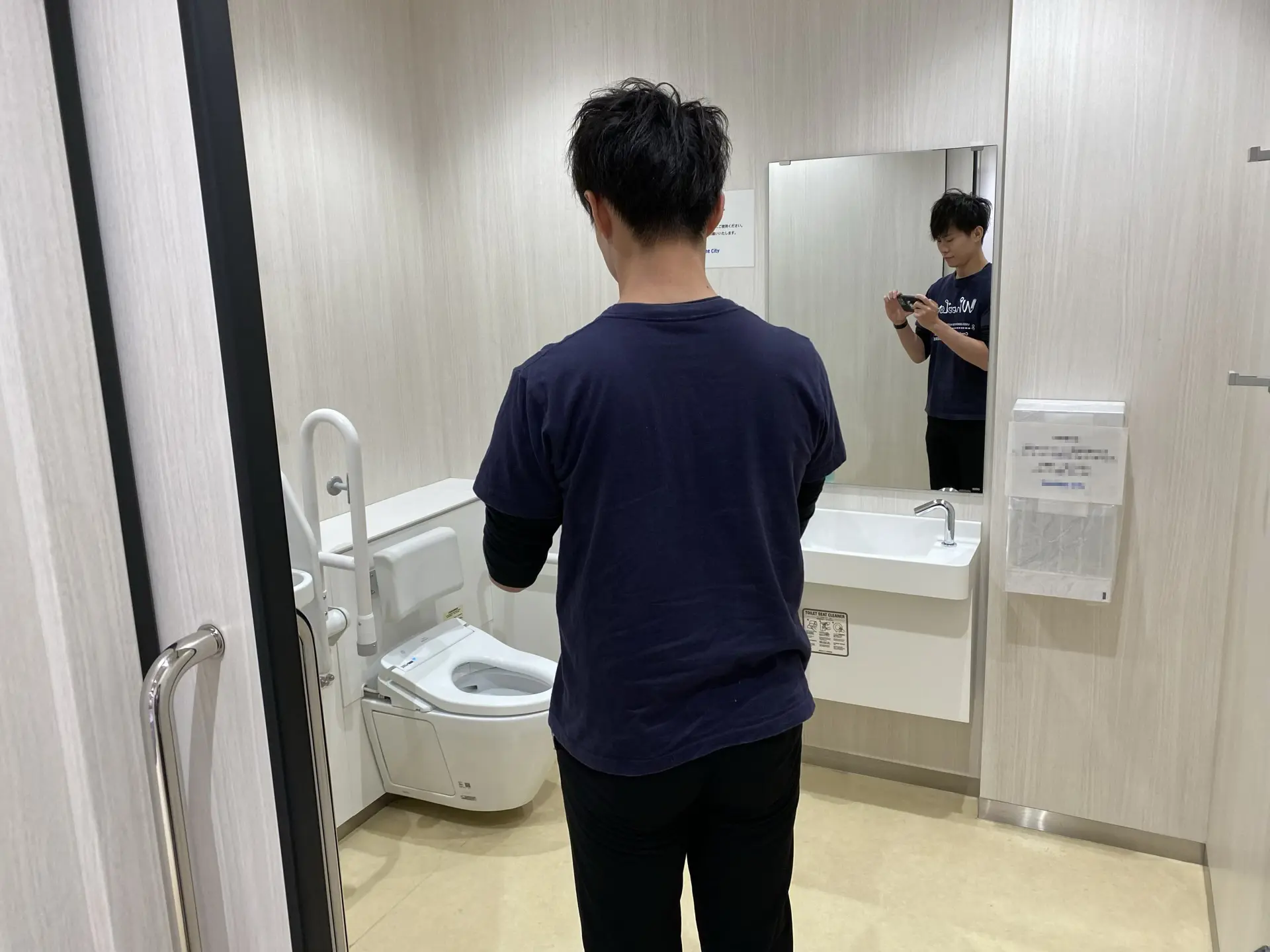
5. Around the restroom Seat
Take a picture of the handrails and backrest.
- 📷 Photographer
- 🖼️ Photo
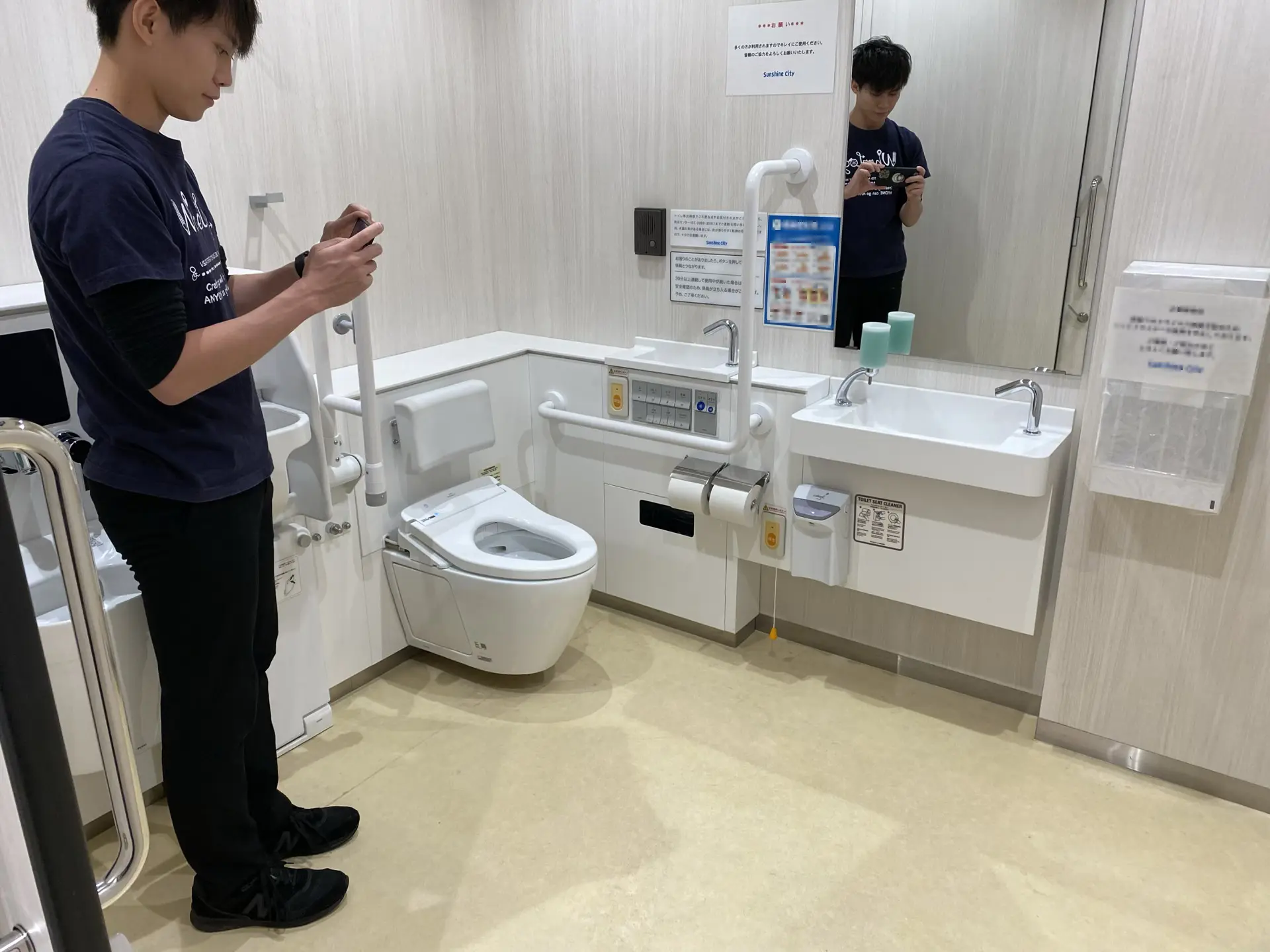
6. Washbasin
Take a picture of the sink, mirror, and feet.
- 📷 Photographer
- 🖼️ Photo
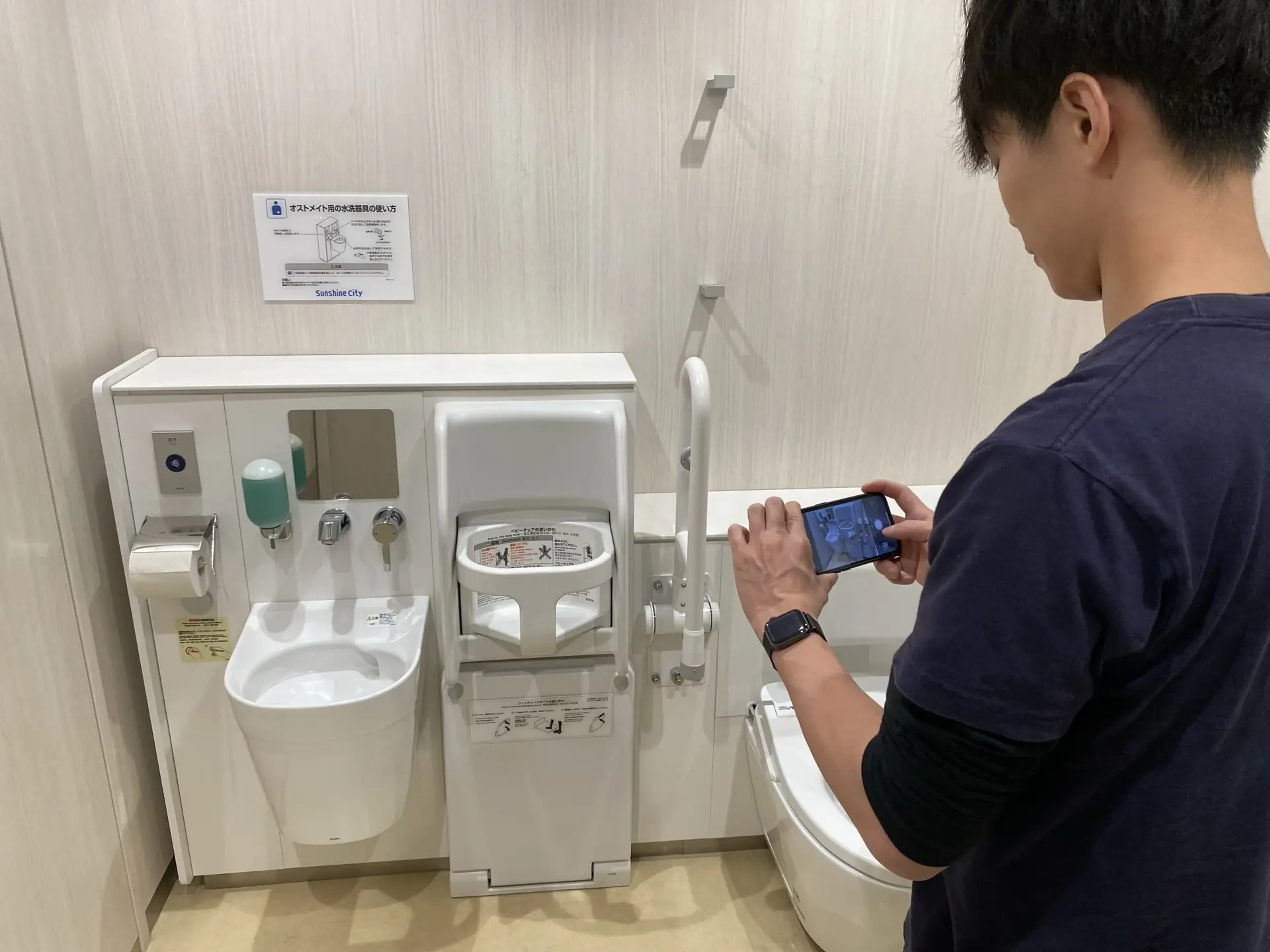
7. Auxiliary Equipment
If there is a baby chair or ostomate accessory, take a picture.
- 📷 Photographer
- 🖼️ Photo
8. Exit Door
Take a picture of the exit door, handle, and key.
- 📷 Photographer
- 🖼️ Photo