Finding Latitude & Longitude
-
Open Google Maps on your computer.
-
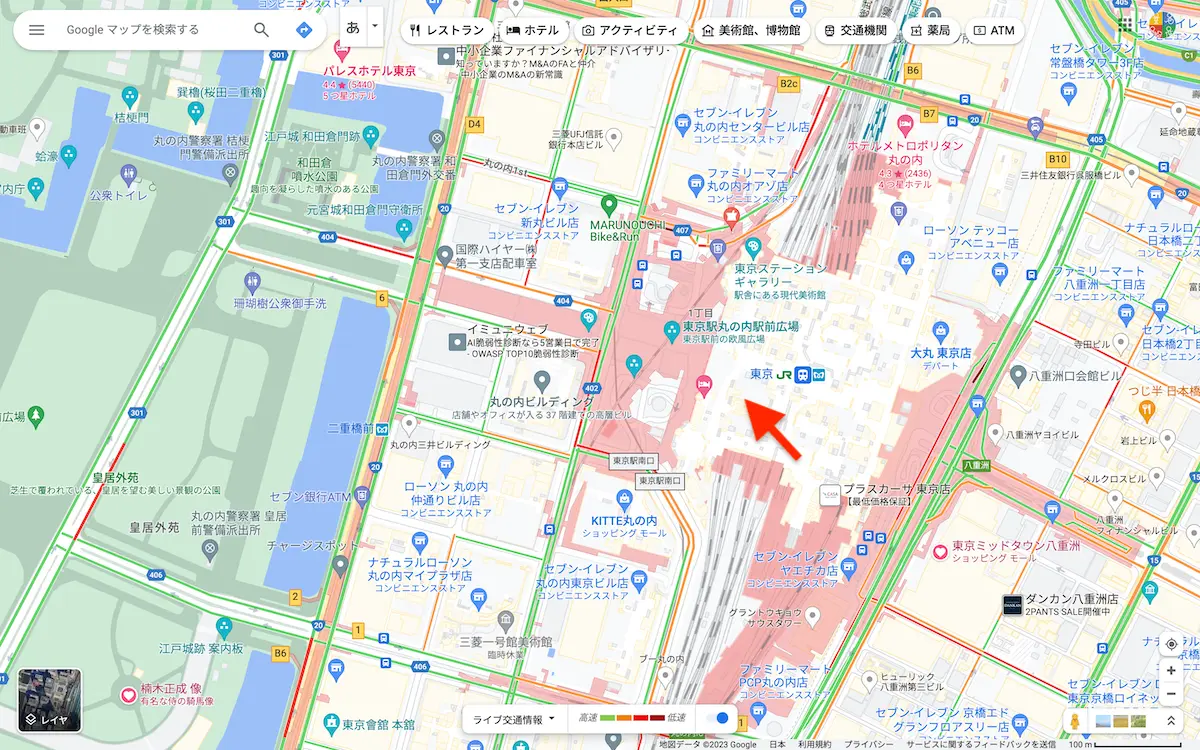
Right-click on the target location on the map.
-
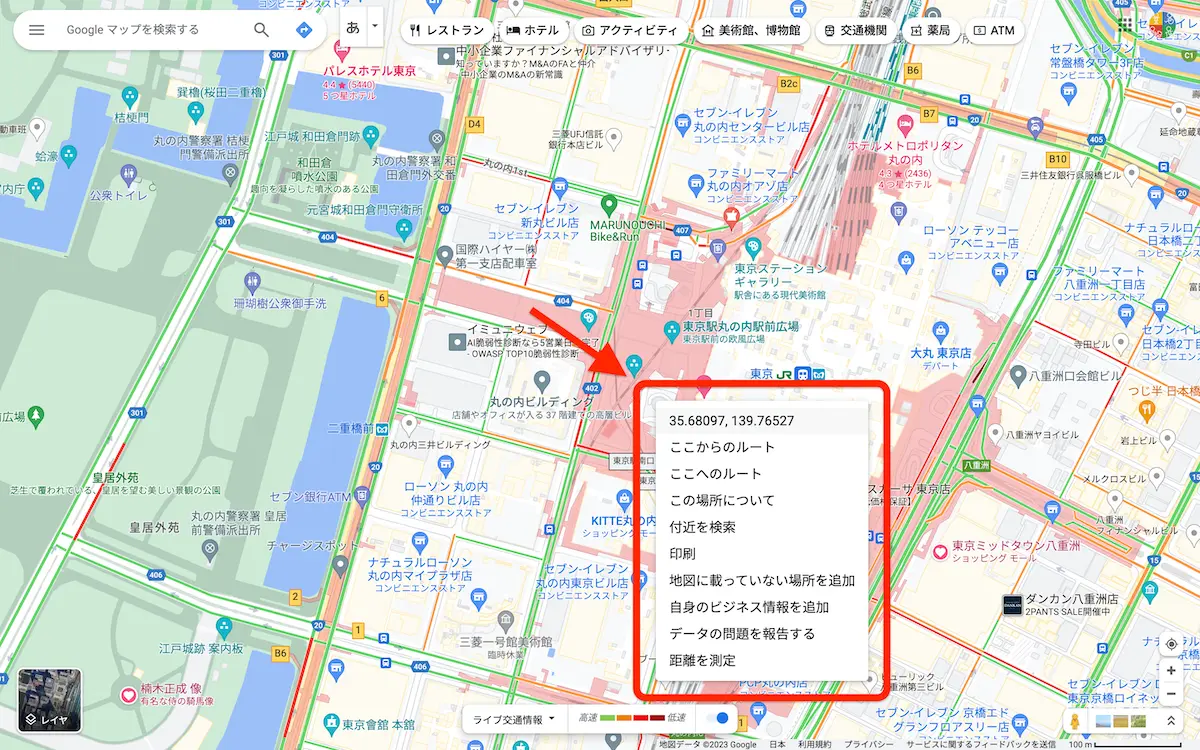
A popup window will open.
-
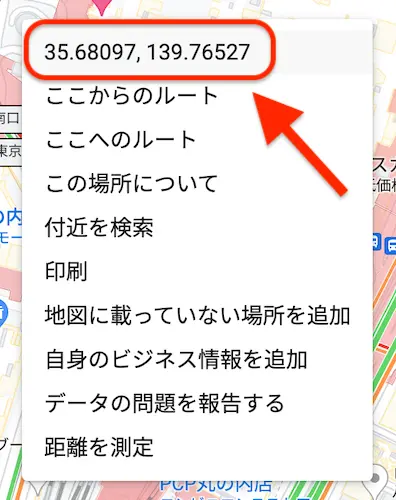
Left-click the latitude/longitude to automatically copy the values.
 note
note- The latitude and longitude are displayed as numbers in the window.
- The numbers are in [latitude, longitude] order.
- Example: 35.68097, 139.76527
-
Enter the copied values in columns C and D of the data format.